

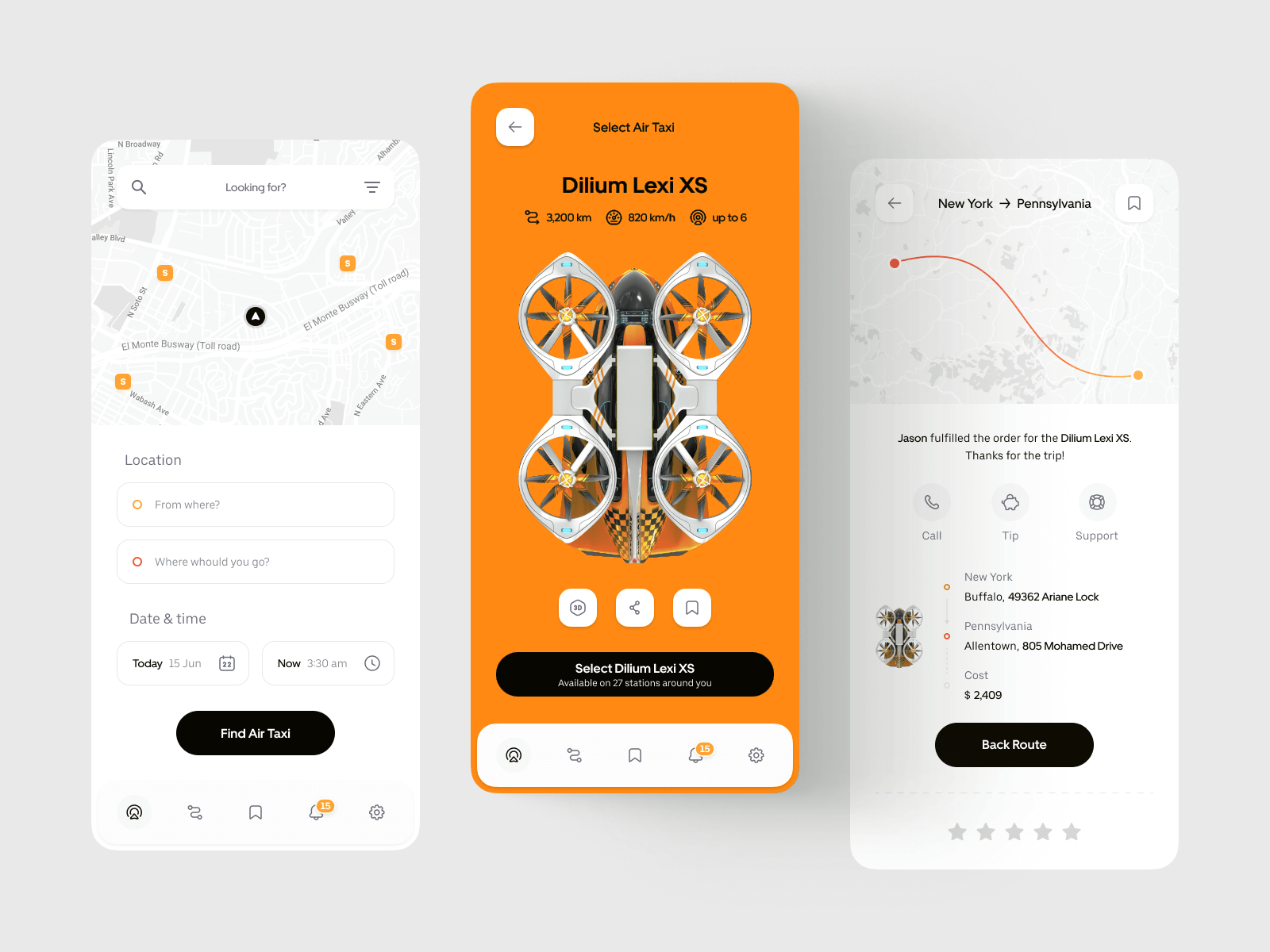
🎨 What Is UI (User Interface) ?
UI stands for User Interface. It’s the visual layer users interact with: colors, typography, buttons, icons, spacing, and layout. A well-crafted UI makes the product aesthetically consistent, easy to navigate, and aligned with the brand.
Typical UI tasks
- Selecting the color palette and typography to match brand identity.
- Designing interactive elements (buttons, forms, menus, sliders).
- Defining visual hierarchy, spacing, and responsive layouts.
- Ensuring accessibility (contrast, focus states, readable type).
⚙️ What Is UX (User Experience)?
UX stands for User Experience. It’s about how things work and how they feel to the user. UX covers the entire journey — from first contact to task completion — aiming to reduce friction and make every step clear and meaningful.
Typical UX tasks
- Conducting user research, interviews, and competitive analysis.
- Mapping user flows and information architecture.
- Creating wireframes and interactive prototypes.
- Running usability tests and iterating based on feedback.
🔄 How UI and UX Work Together
Without UX, a product might look great but feel confusing. Without UI, it might work well but look unappealing. When both are aligned, users understand your product and enjoy using it.Analogy: UX is the blueprint; UI is the paint and furniture.
🧭 Summary
| Aspect | UI (User Interface) | UX (User Experience) |
|---|---|---|
| Focus | Visual design & interactivity | Structure, flow & usability |
| Goal | Make it appealing and consistent | Make it functional and intuitive |
| Deliverables | Design systems, mockups, components | User flows, wireframes, prototypes, test reports |
| Tools | Figma, Sketch, Adobe XD | Figma, Maze, Hotjar, UserTesting |
| Outcome | Attractive, accessible interface | Satisfying, efficient user journey |
💡 Key Takeaway
UI is about appearance. UX is about experience. You need both to build digital products that users love — and that drive business results.

 English
 Spanish